Search the Community
Showing results for tags 'setup'.
Found 1 result
-
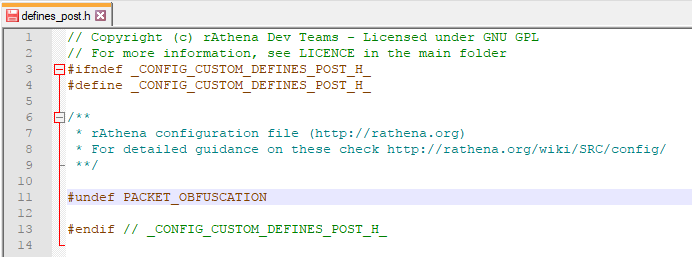
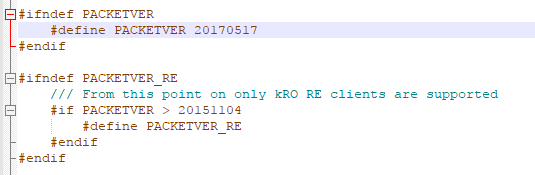
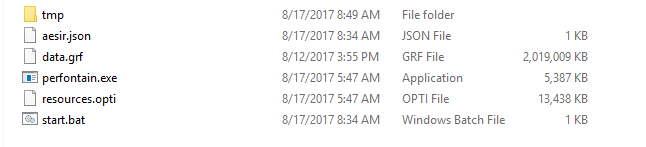
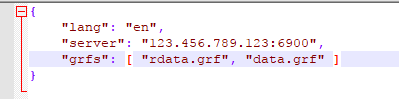
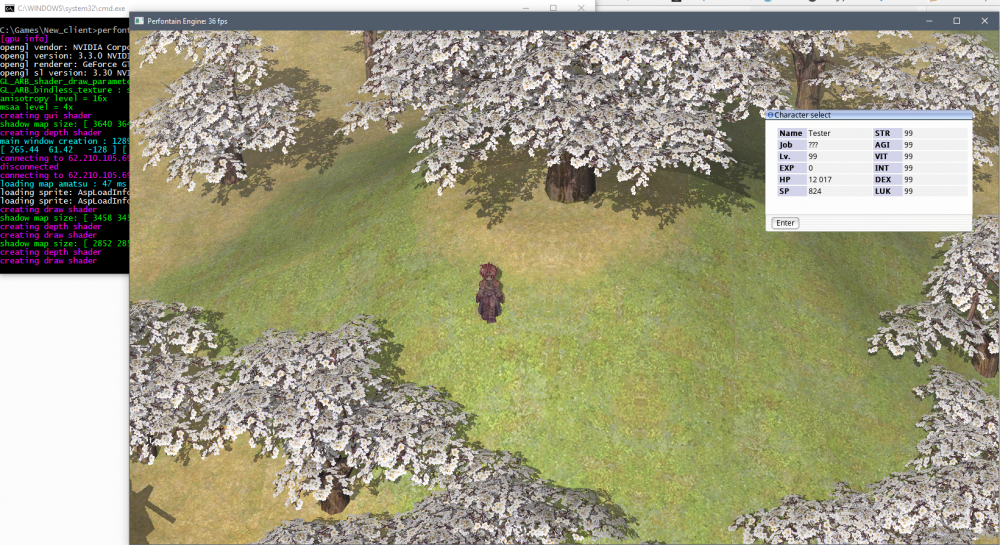
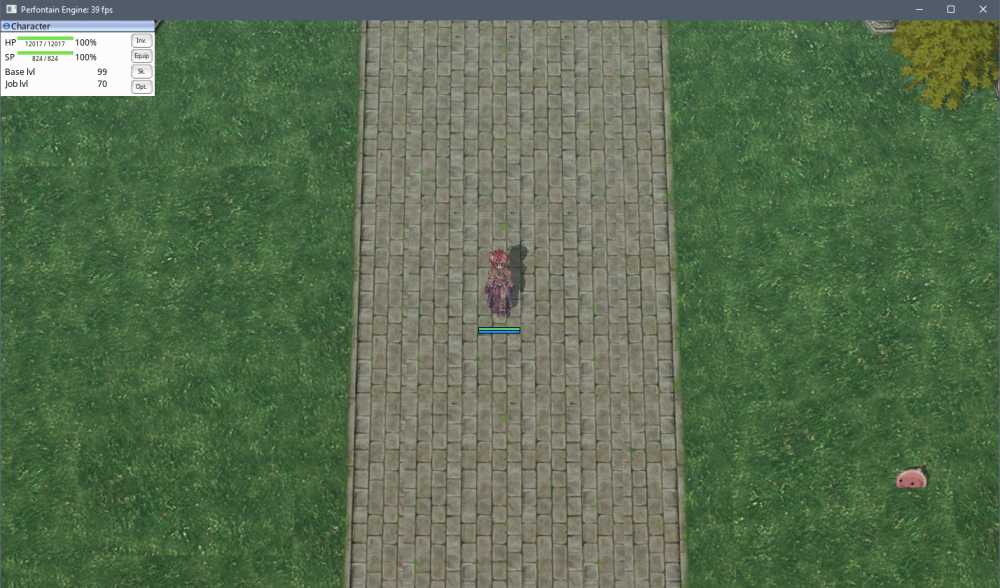
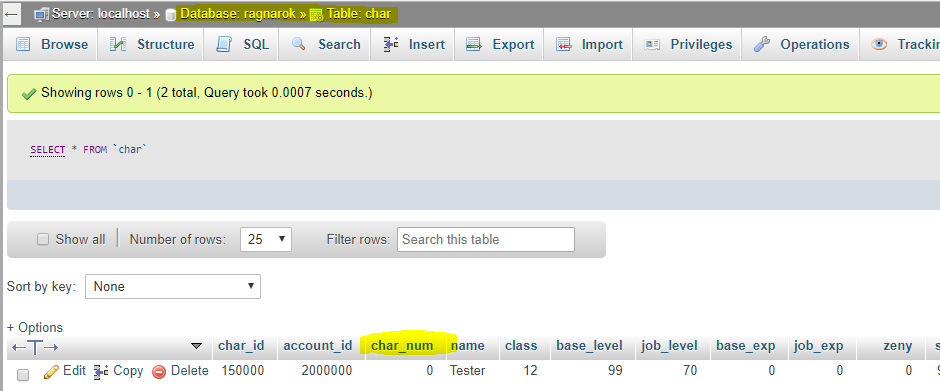
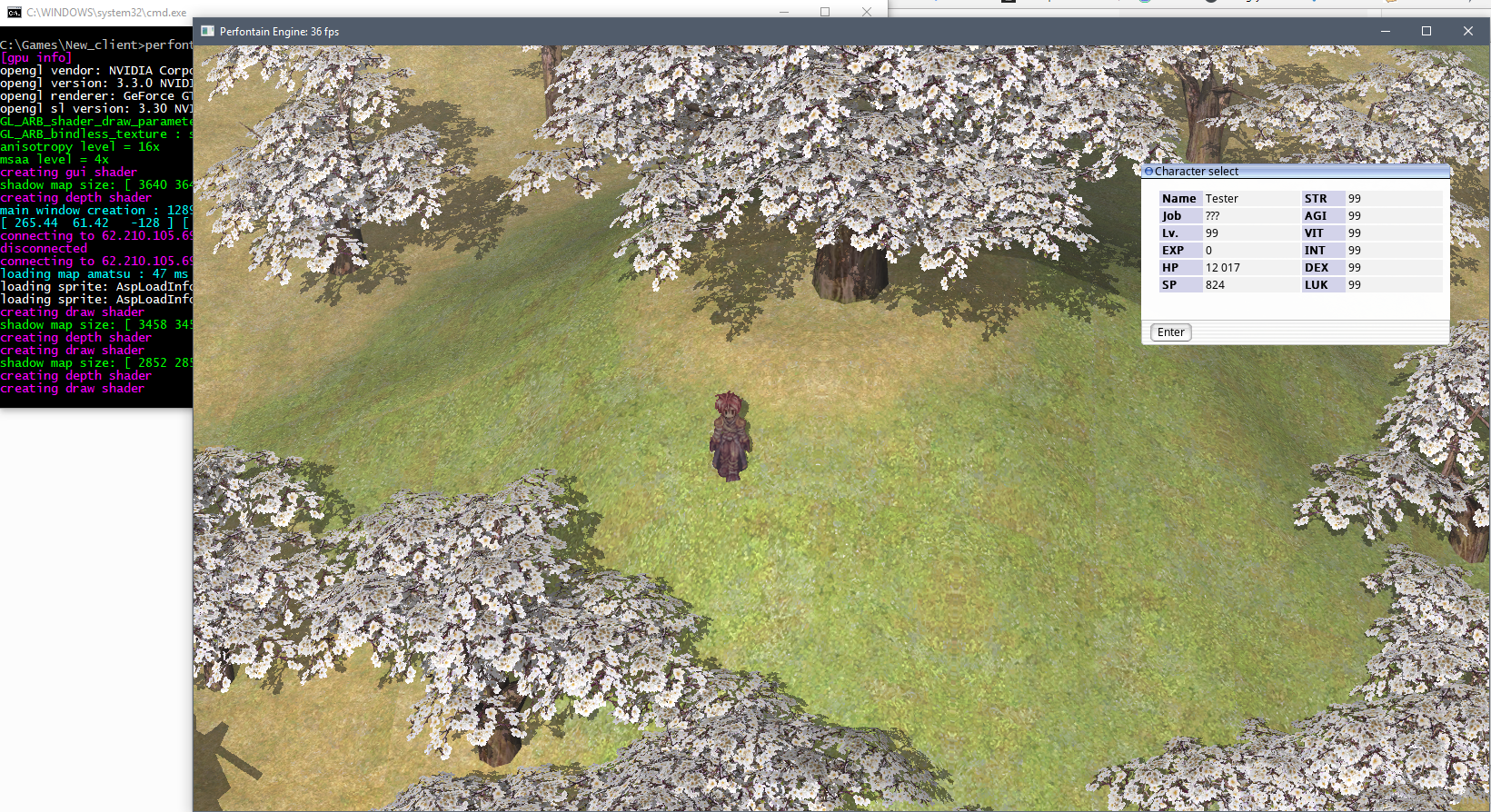
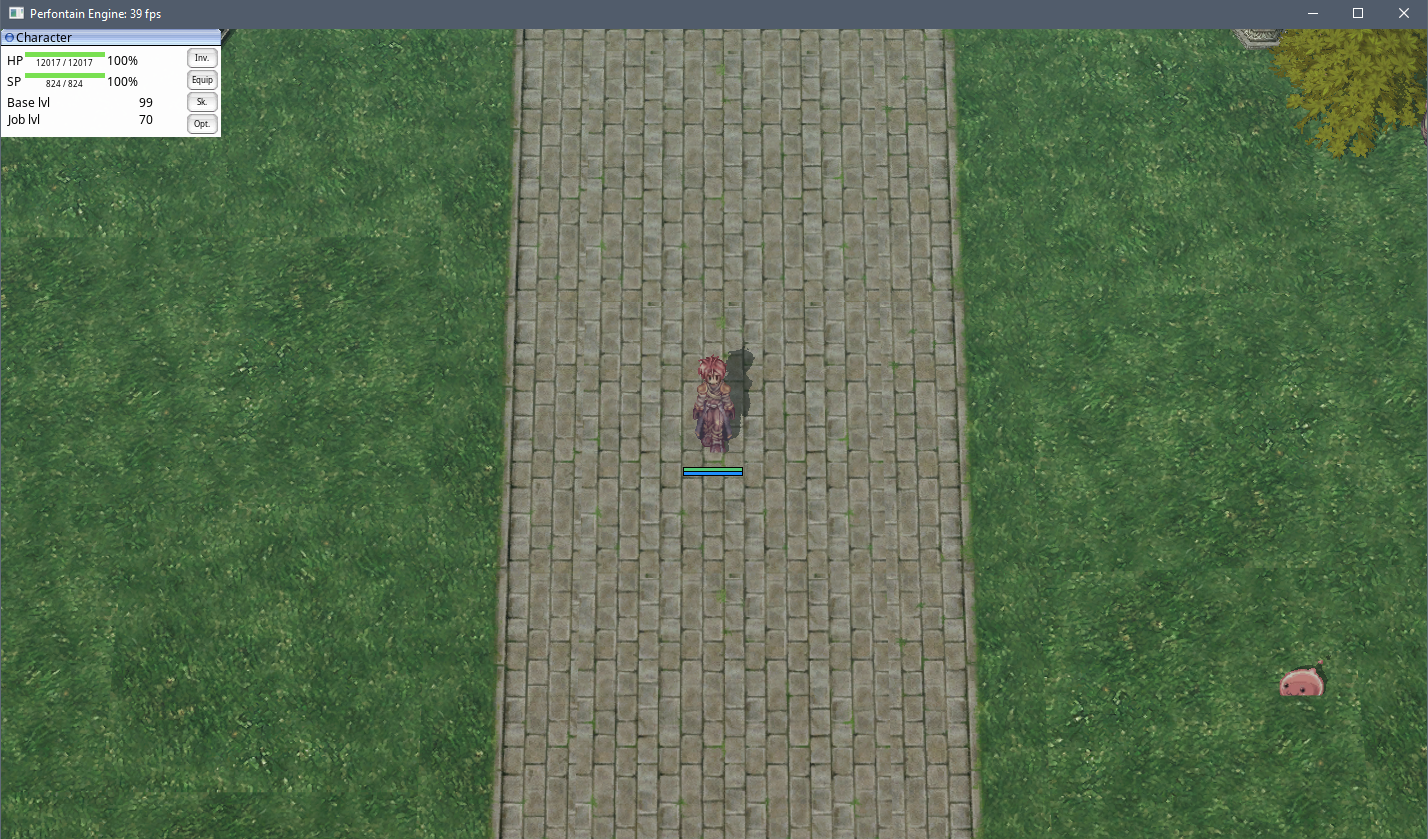
Hi, everyone! To help people install AEsir Client in the best way, I will guide people how to install AEsir correctly. Before you start You need to setup a working server with rAthena or Hercules first Download latest AEsir client: Beta v0.1.1 The text editor like Notepad++, Sublime Text,... A cup of coffee For rAthena Firstly, you need to disable packet obfuscation Go to /src/custom/ open the file defines_post.h Add #undef PACKET_OBFUSCATION before #endif Secondly, with AEsir v0.1.0 you need to comment out line 1835 from file src/map/clif_packetdb.h, but with the latest version, you needn't do it. You can uncomment it and use packetver 20170517 Go to /src/config/ open the file packets.h Add packetver in #define PACKETVER Thirdly, AEsir support UTF-8 in default, you need to config default code page to UTF-8 Go to /conf open the file inter_athena.conf Uncomment line 17 and change default_codepage to utf8 Last but not least, let's recompile your server For Hercules I never tested with Hercules before, I'll try and update the guide soon Setup AEsir client AEsir is easy to setup, those all things what you need to do: Unzip file v0.1.1.7z Copy your GRF into the folder that you have extracted AEsir Rename aesir.sample.json to aesir.json Rename start.sample.bat to start.bat It's good, then you need to make AEsir connect to your server: Open aesir.json, change 127.0.0.1:6900 to your server IP (you can use the domain name instead of IP) and map server port (default is 6900) Puts your grf in "grfs" , with this format: [ "custom1.grf", "custom2.grf", "customN.grf", "main.grf" ] Open start.bat with Notepad++ or your favorite editor, in line perfontain --login, change default account to your account on the server. Then you can run start.bat to login AEsir client and discover the magic of AEsir. Have fun! Note: AEsir doesn't support character creation, you need to create character first AEsir doesn't support Third Class If you can run AEsir client, but you can't login into the world (you click "Next" in character select screen but don't log in). You need to modify char_num in the database. In this case, I use phpMyAdmin: In char_num column, make sure your character has char_num 0 If you have any trouble, you can comment below, I'll try my best to help you. Thank you for reading my topic.