Leaderboard


Popular Content
Showing content with the highest reputation on 08/13/17 in Posts
-
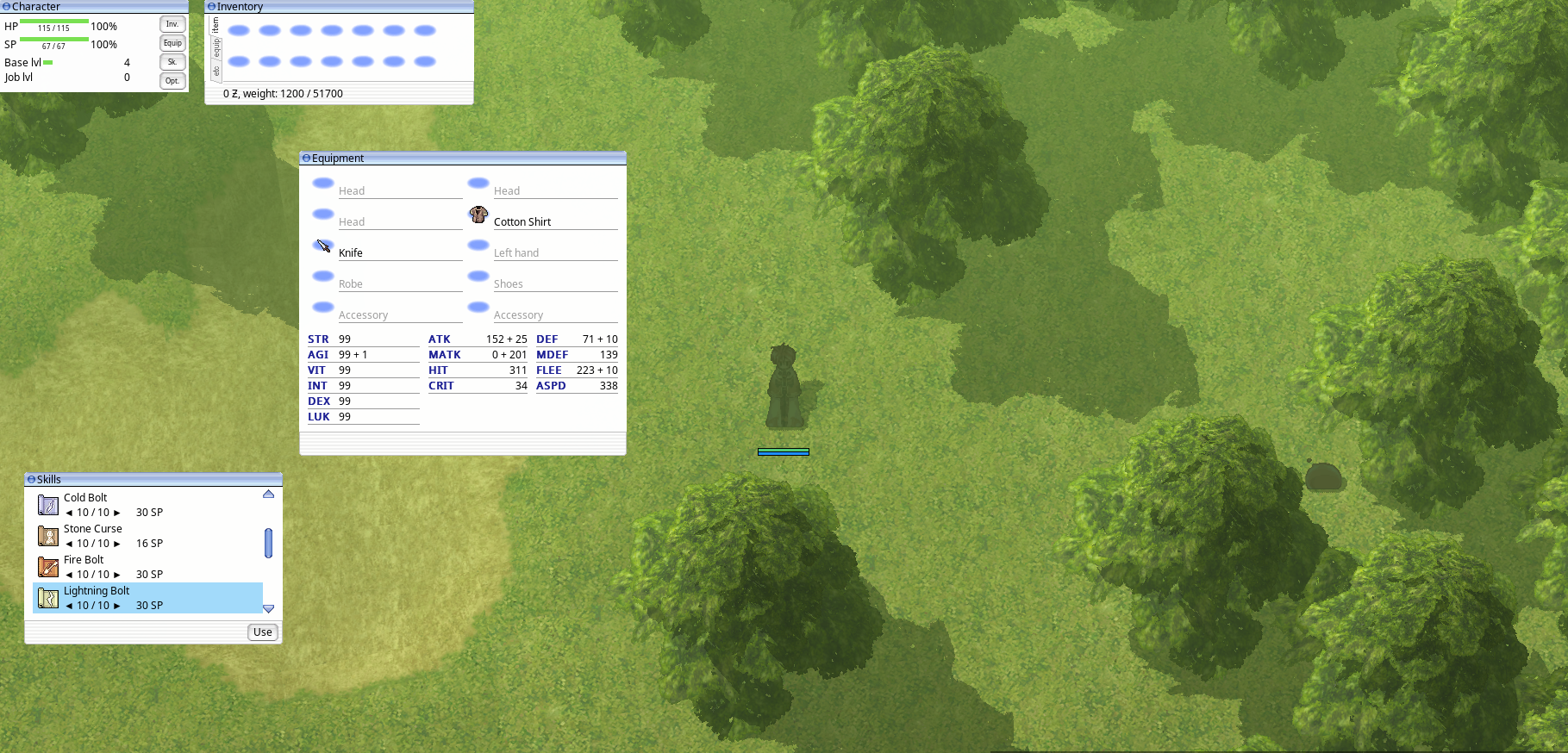
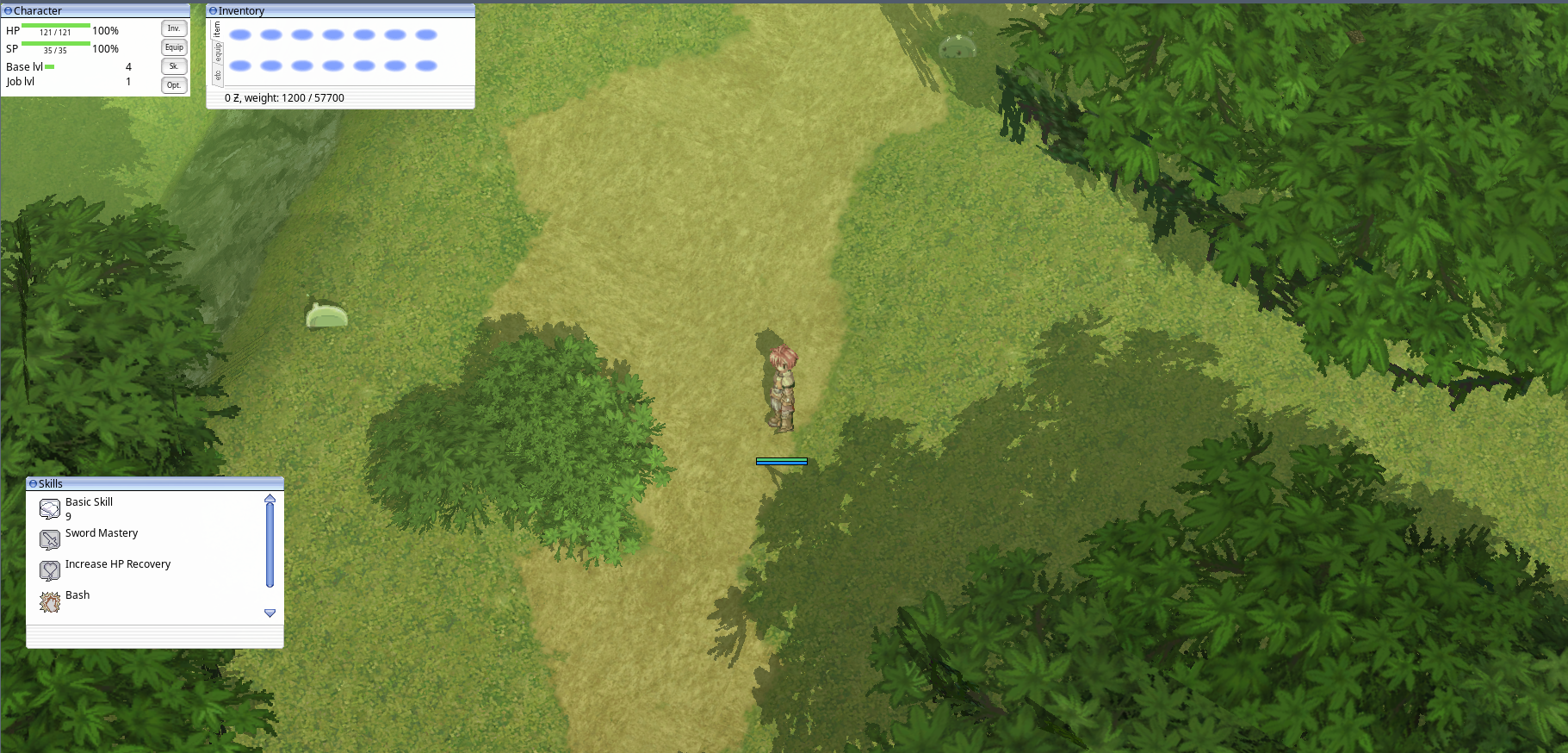
Hi guys ! I know that more than expected time has passed, i had some problems IRL, but now here we are. First beta release is now published here. It can do some basic things, but with time it will be able to do another ones. Current features: Character selection Moving HP bars Attacking Inventory Equipment Stats Skills NPC talking Some important missing features include: NPC trading Party UI Kafra storage UI Special item features like magnifier item Status icons Some other features not listed here If you're interested in this project, you can support it on the Patreon or through paypal: temtaime@gmail.com More support, faster release cycle !2 points
-
perfontain.exe i think. But you can change the default for all the apps, this will 100% works: Go to Nvidia Control Panel > Manage 3d settings > select preferred graphics processor. Guys, i've found the solution, i will test it, so in next release i hope the client should be able to select graphic card by itself.2 points
-
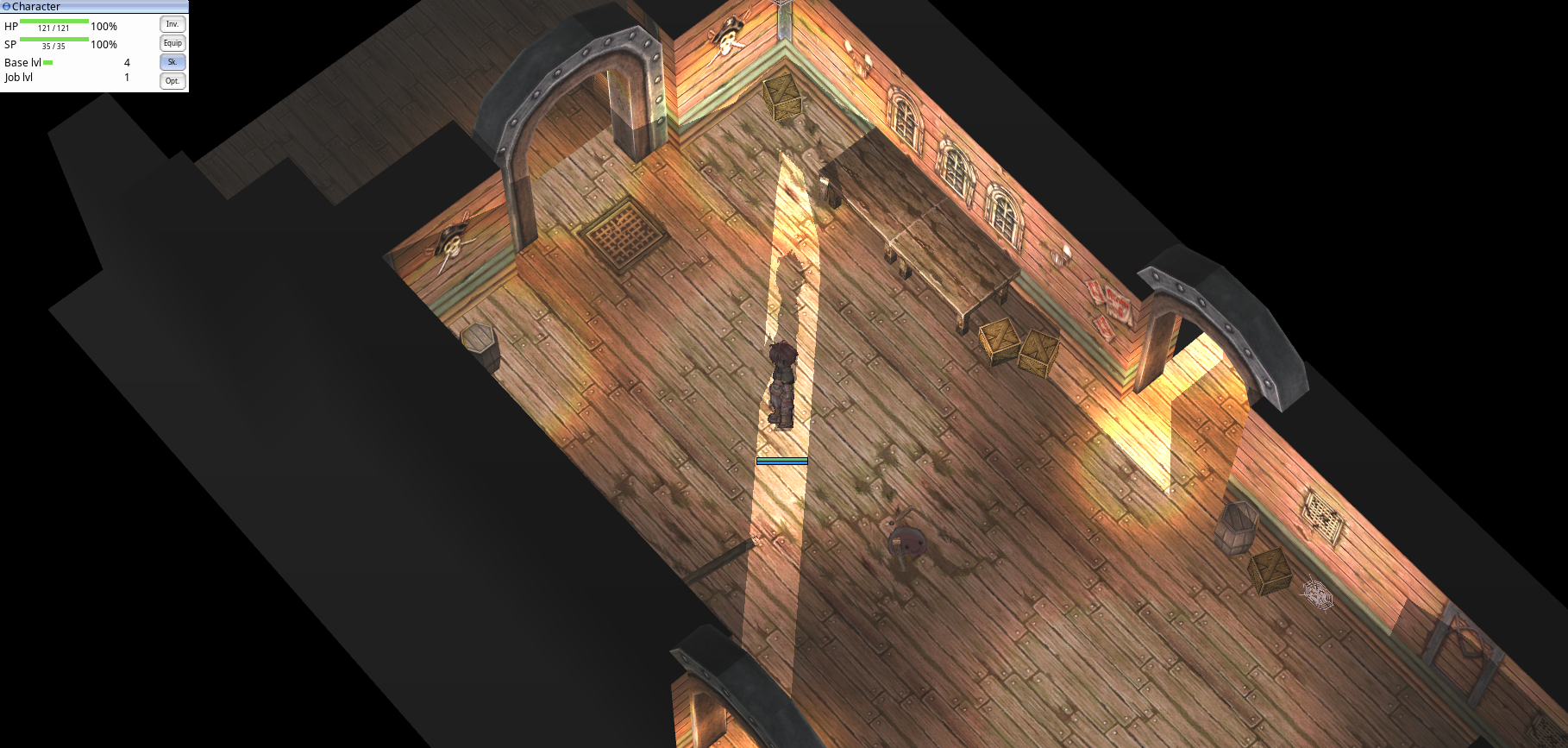
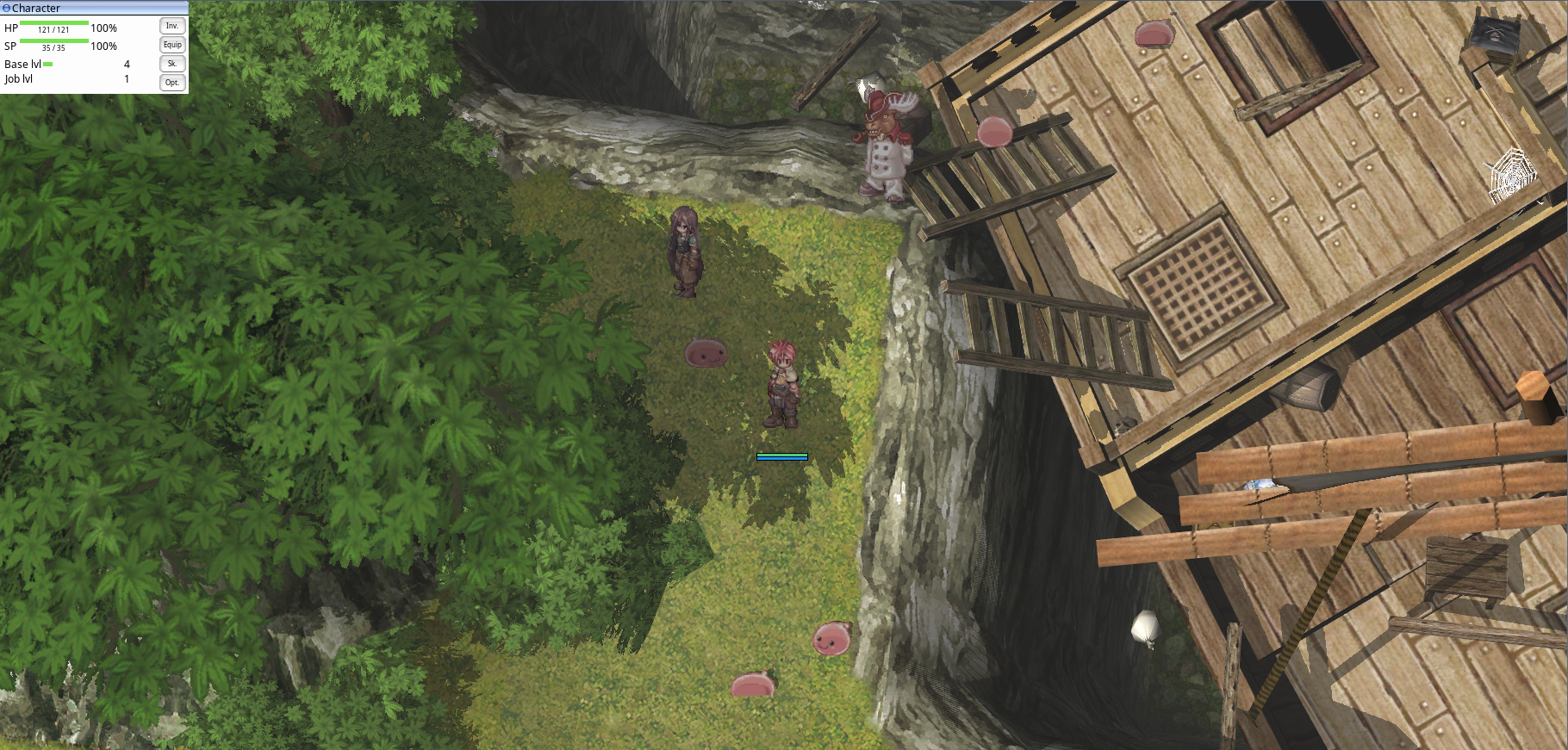
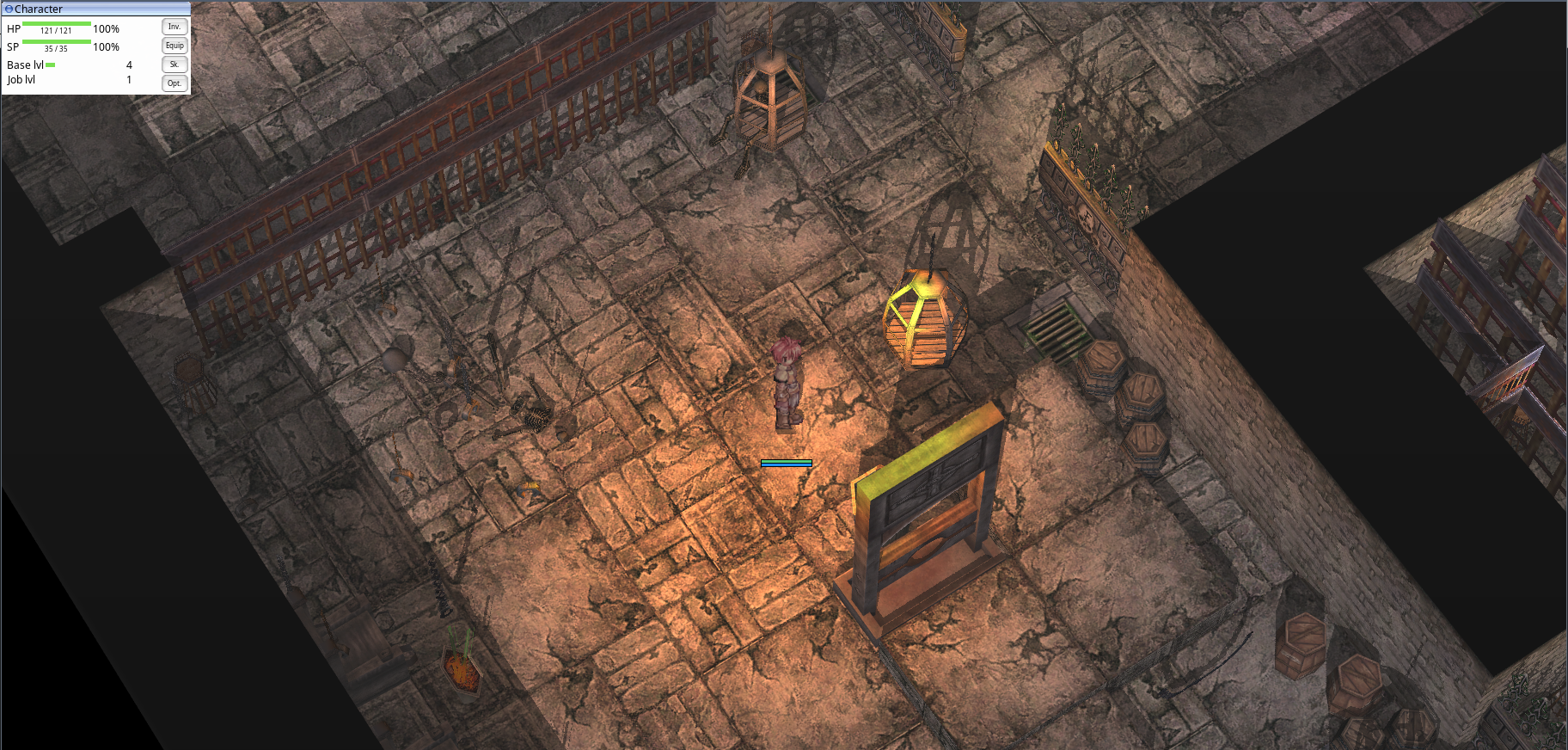
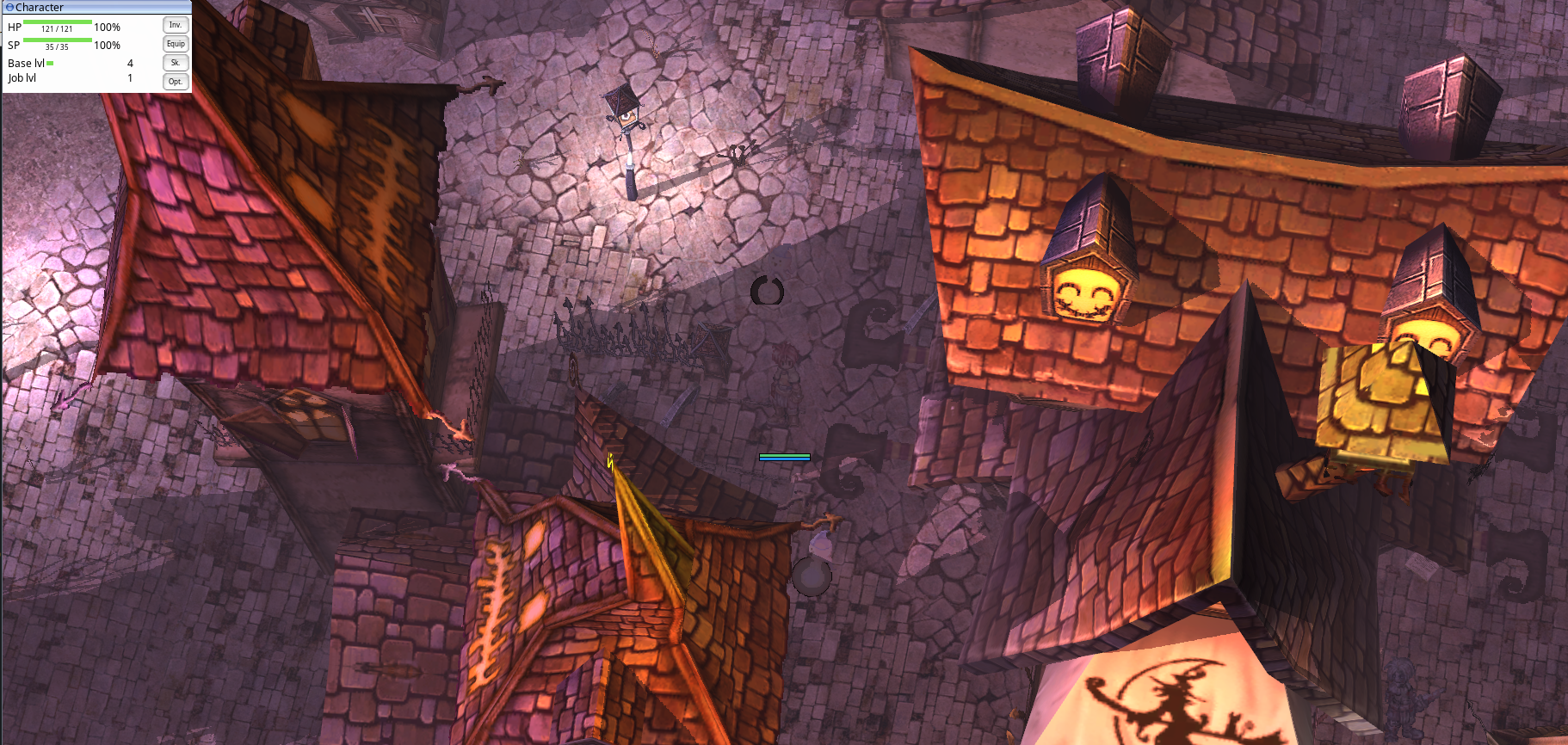
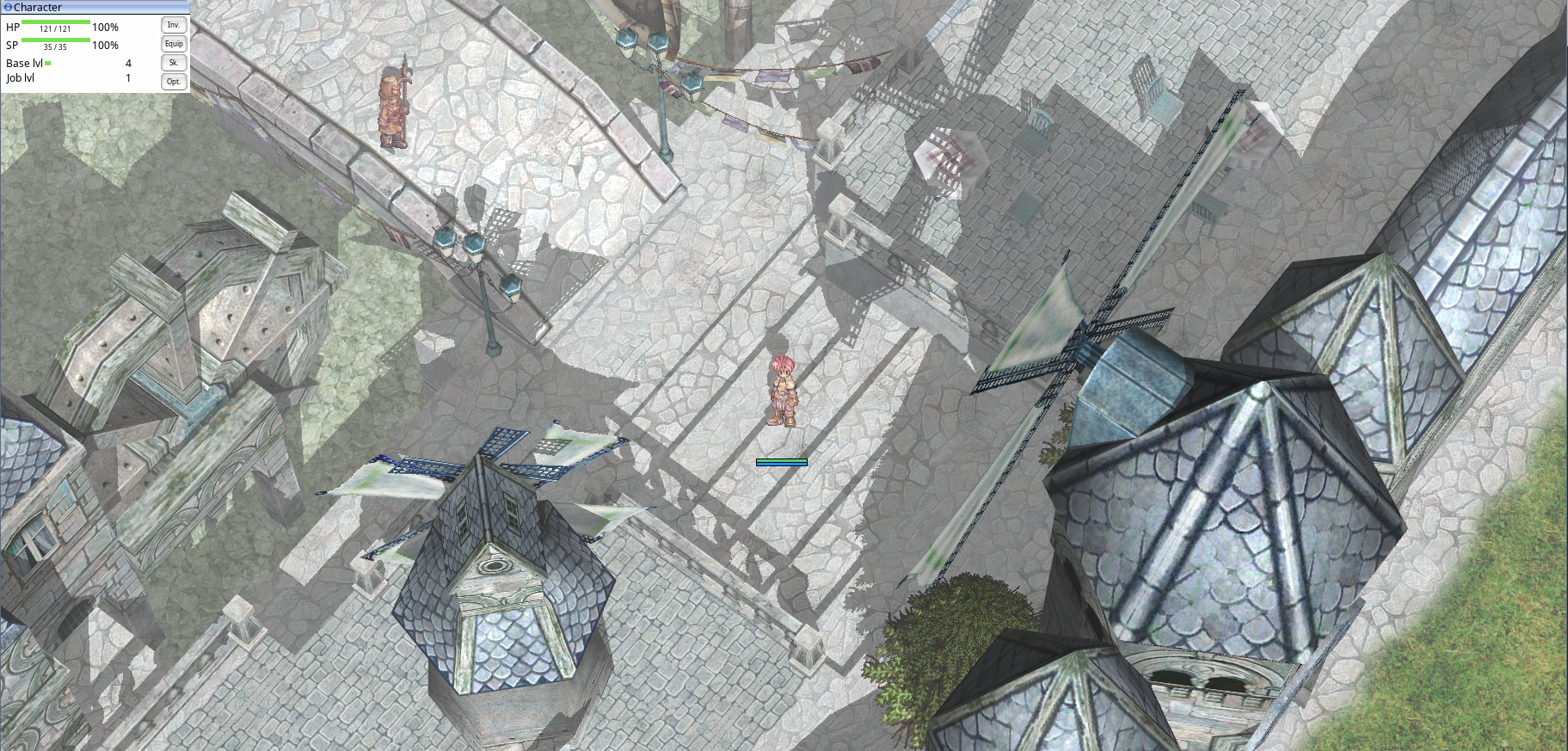
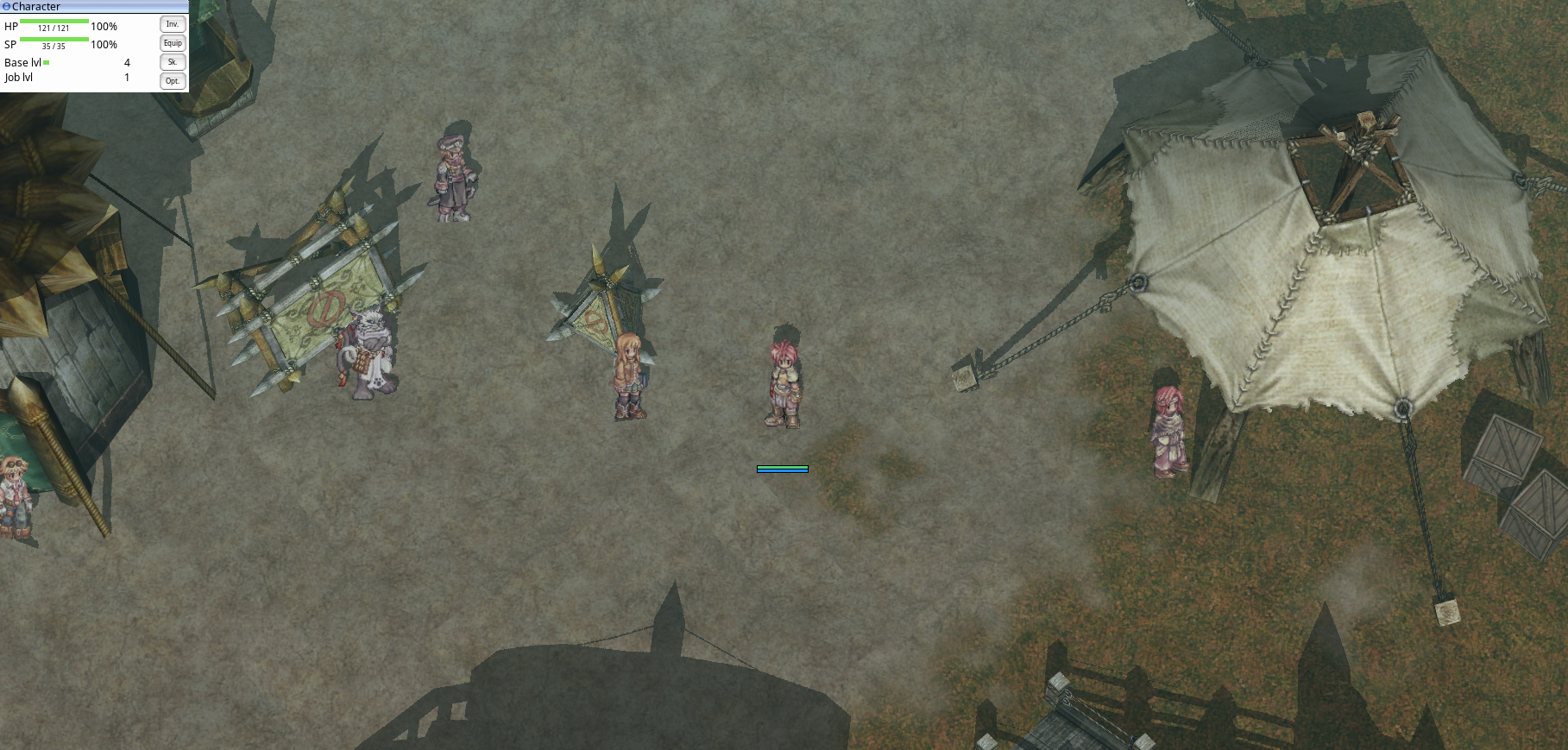
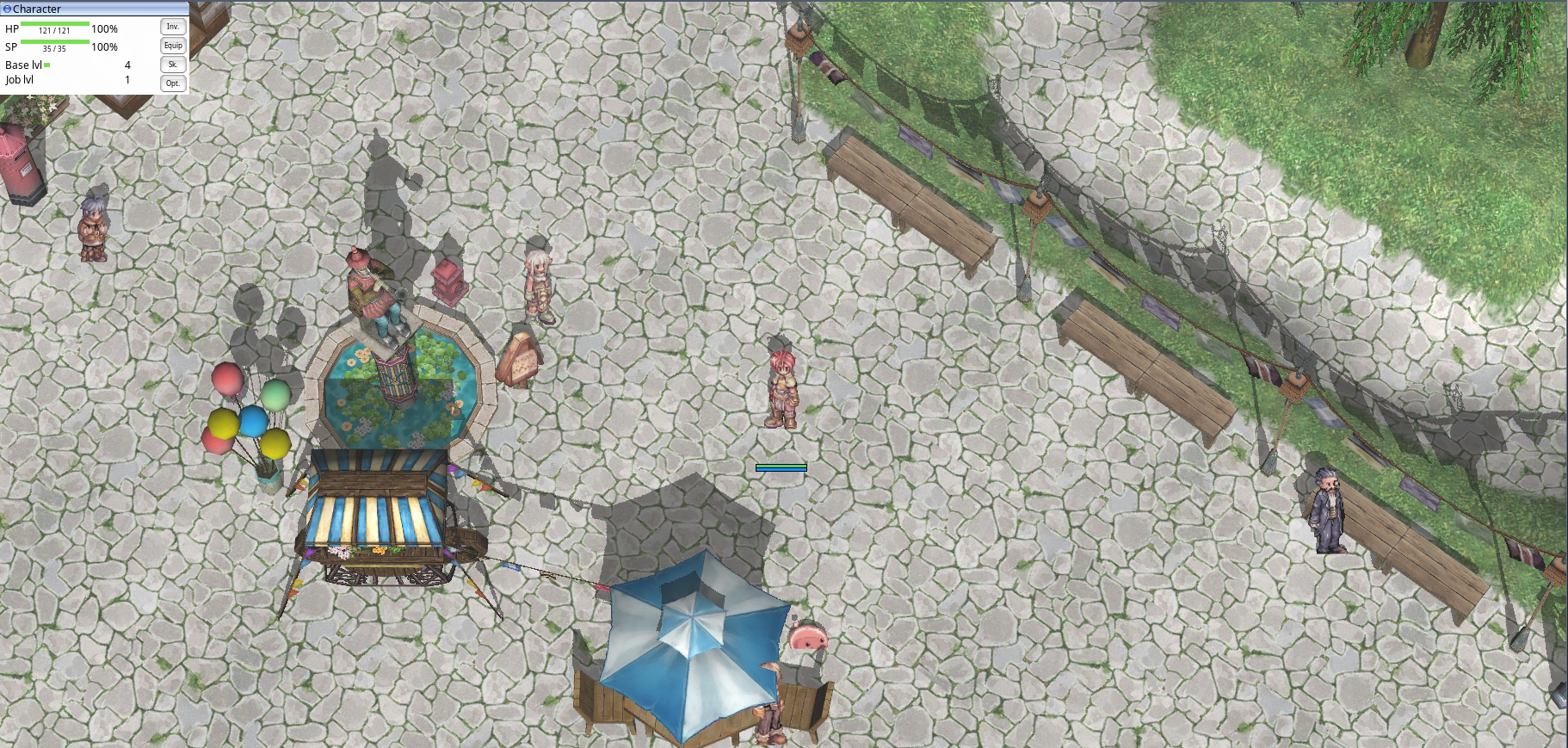
Hi, everyone. I create this topic for everyone to sharing screenshots with Aesir Client AEsir Client is amazing. Thank @Temtaime
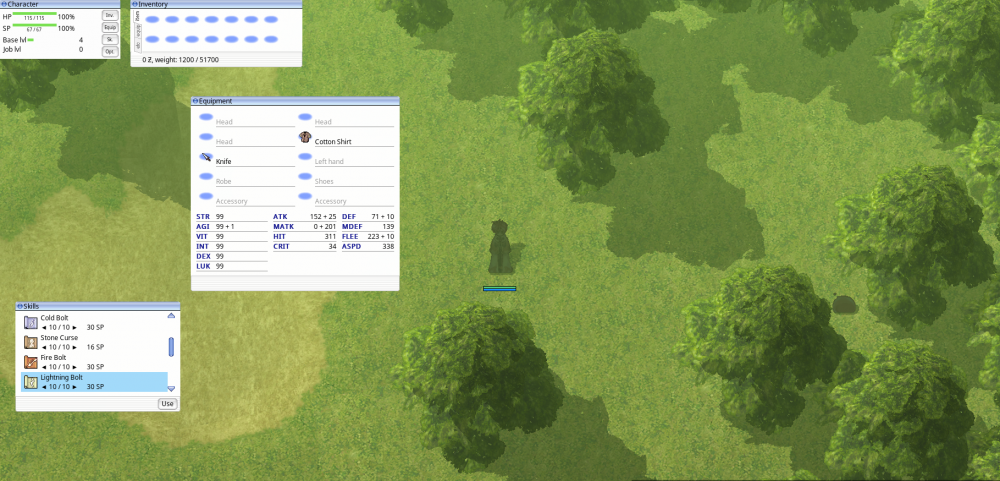
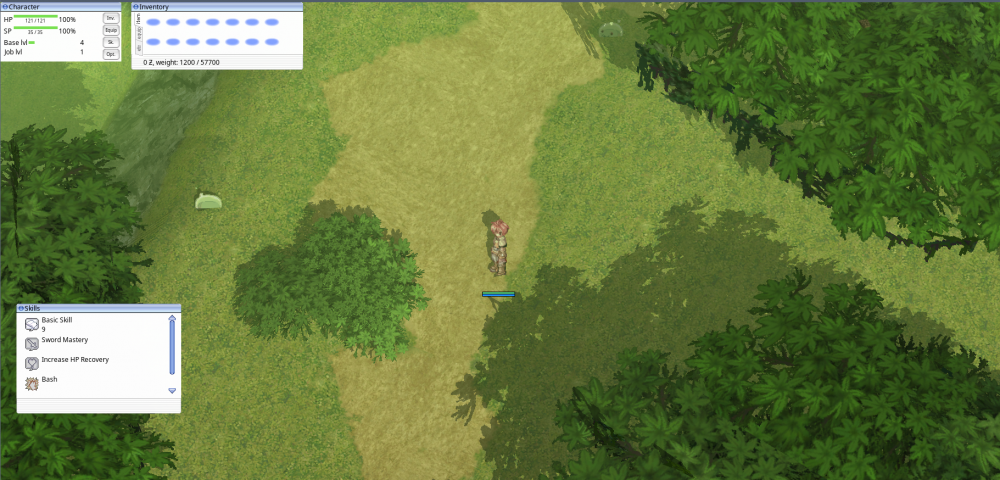
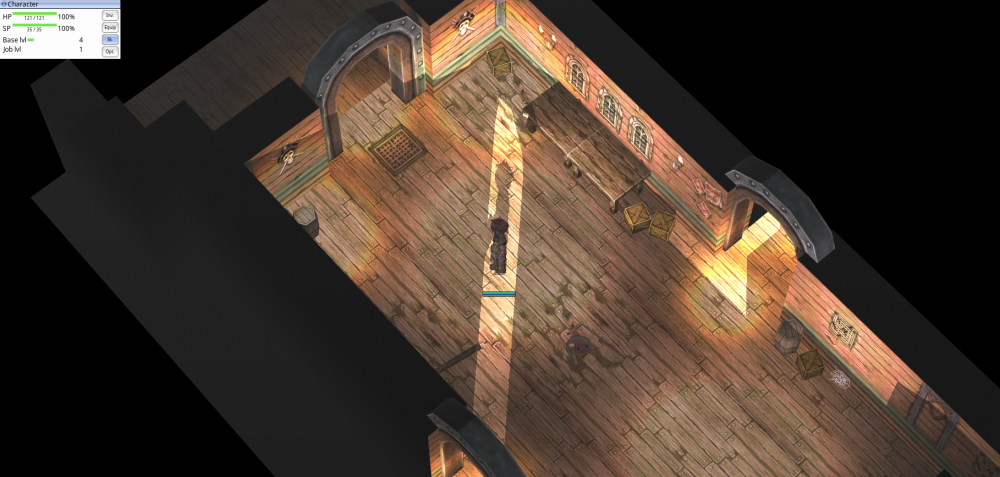
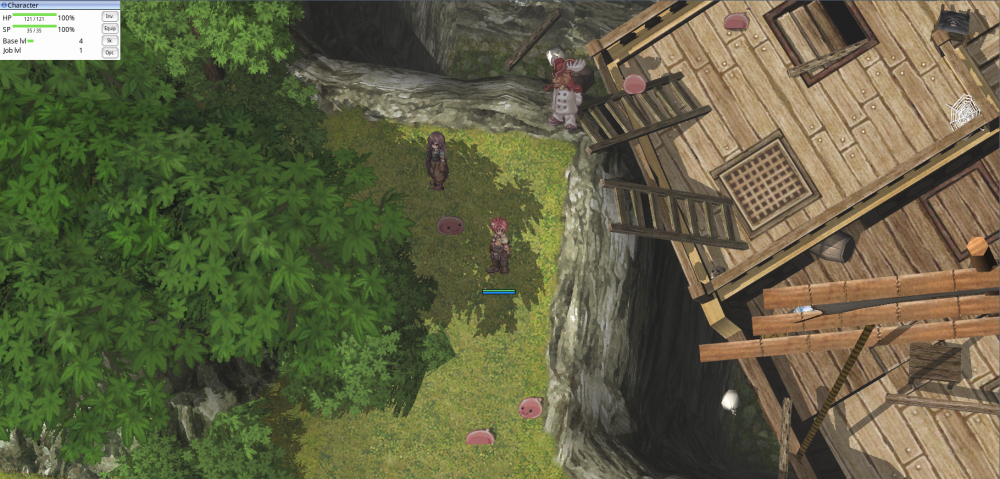
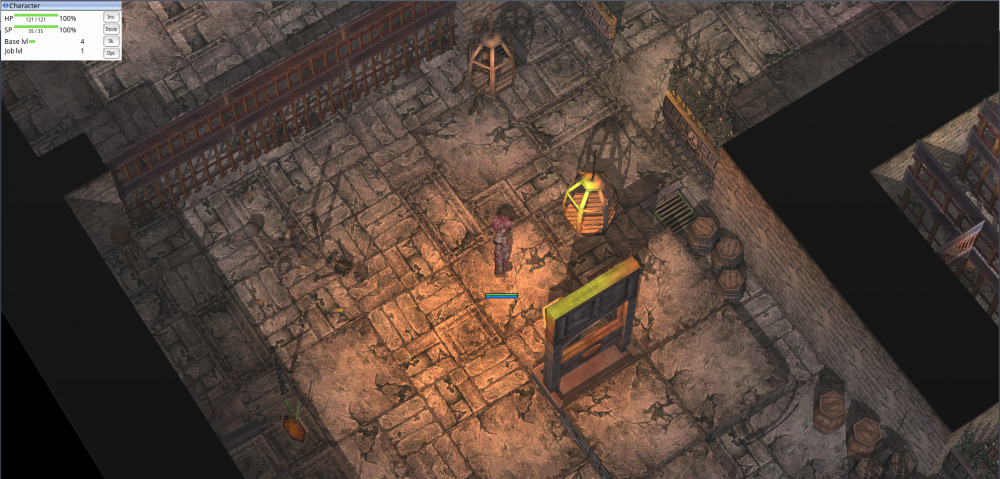
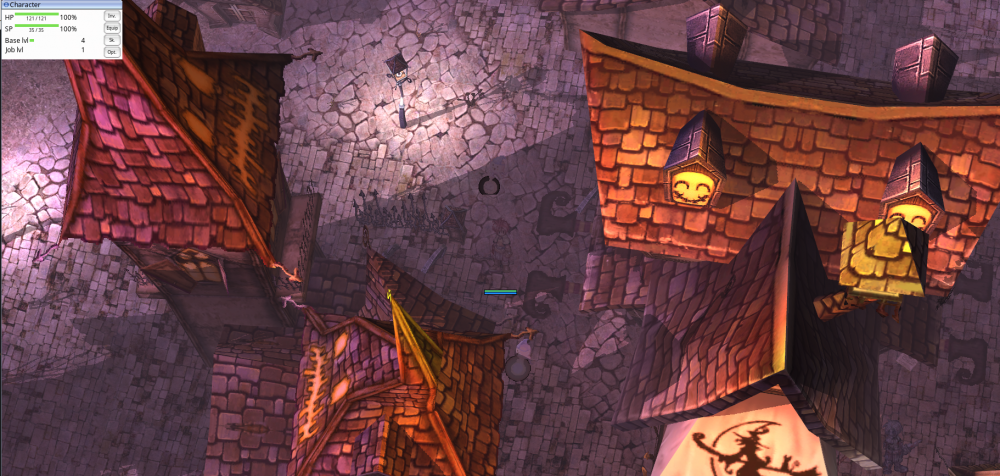
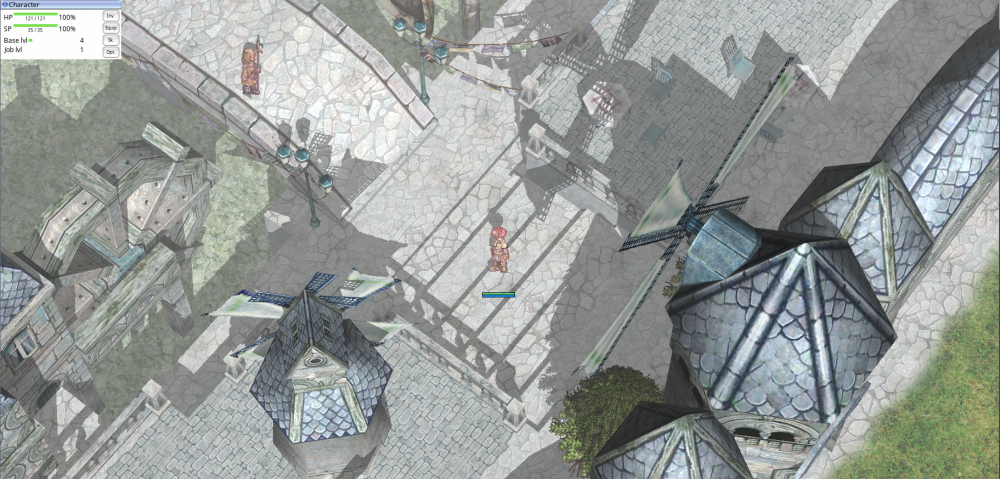
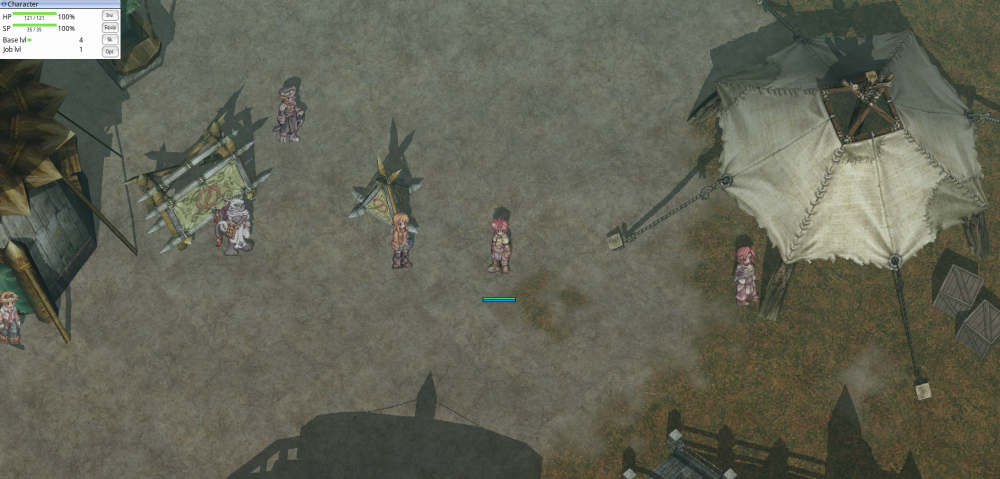
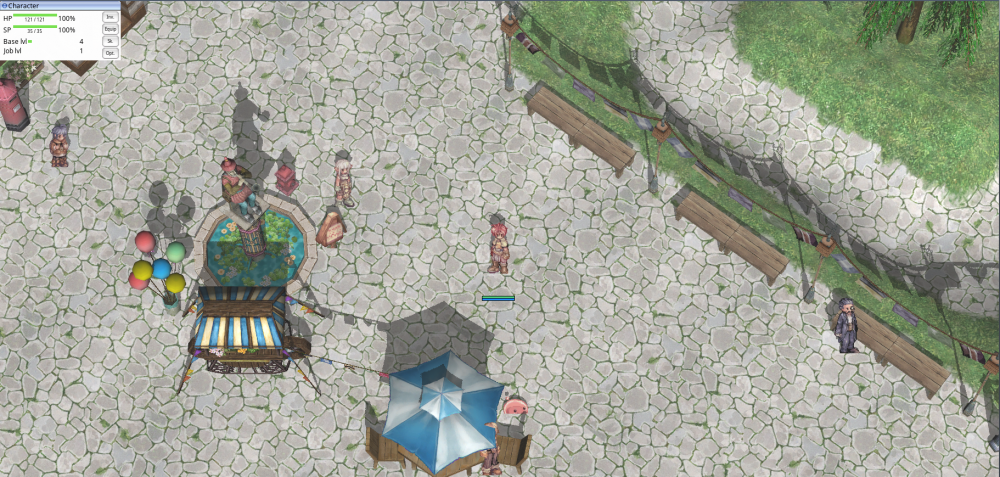 1 point
 -
could not create GL context means graphic driver doesn't support required OpenGL version. It is not related to grf files. If you are sure that this is not caused by implicit using of intel integrated card, then you have to upgrade the drivers. You can download any kro client starting from 2012 i think, also æsir does not use anything except grf files, that means, all the dlls are not necessary.1 point
-
That's strange, try to upgrade your graphic cards driver. I tested on windows with nvidia 730m and it works. It must work on your 930m. Try to update drivers and reply, please1 point